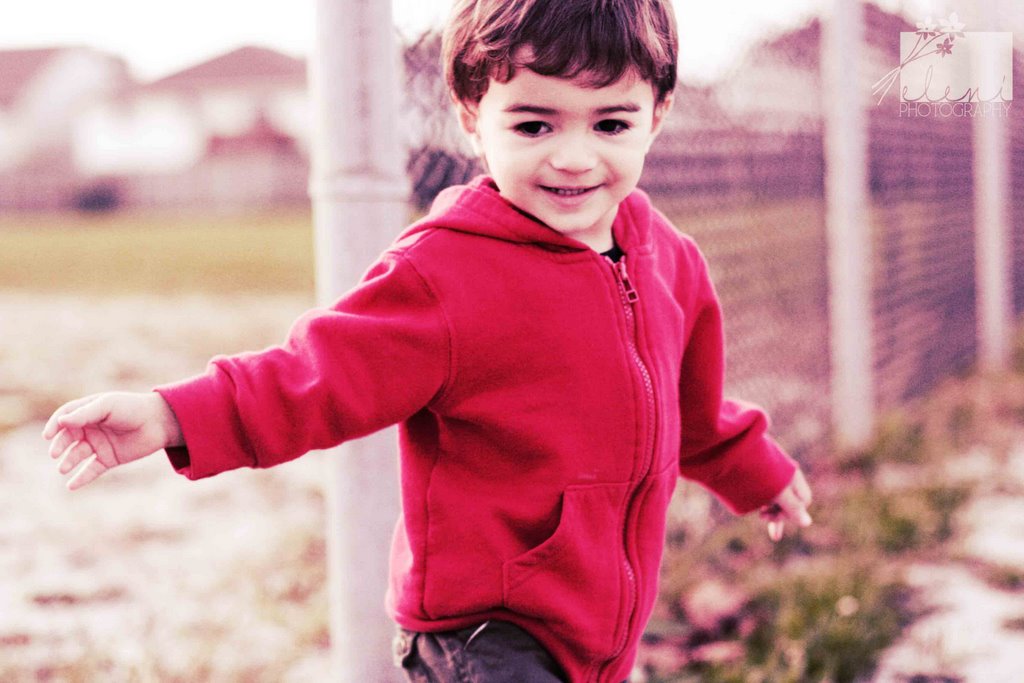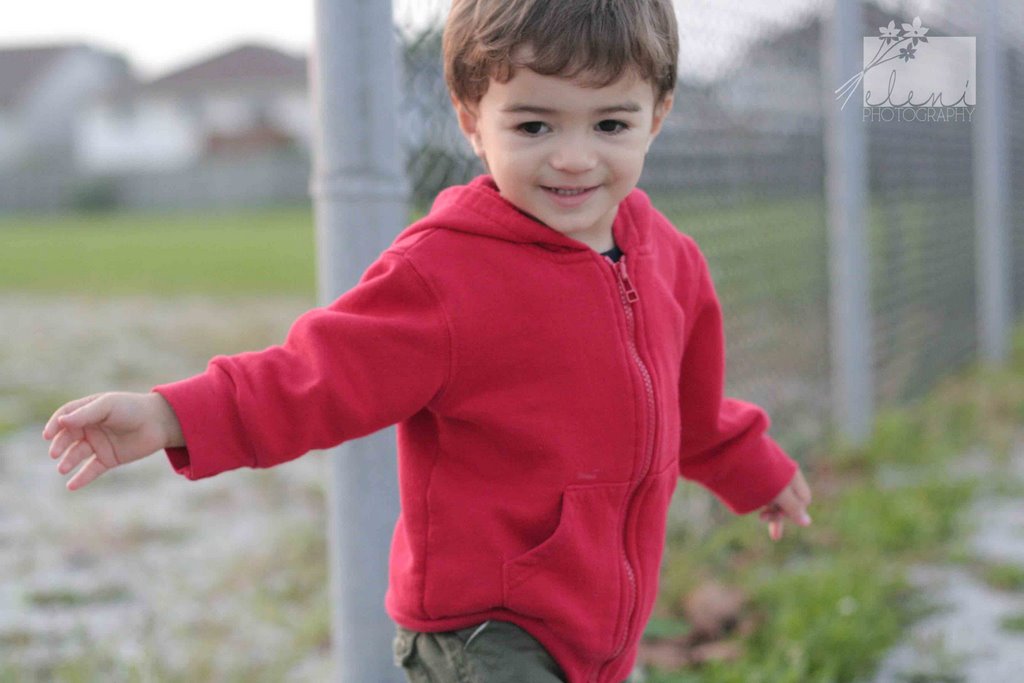
How cute can this little red-head be? His clothes match his hair, even his beloved teddy bear matches his hair. He was shy for about ... 2 seconds and then he was off talking about everything and getting into everything. A poster of this boy (plus 2 other posters) are hanging in Starbucks in Devonshire Mall for those who want to see my work up close and personal.
Showing posts with label photography. Show all posts
2008/07/13
Red-Head Cutie Pie Alert Ahead!
How cute can this little red-head be? His clothes match his hair, even his beloved teddy bear matches his hair. He was shy for about ... 2 seconds and then he was off talking about everything and getting into everything. A poster of this boy (plus 2 other posters) are hanging in Starbucks in Devonshire Mall for those who want to see my work up close and personal.
2006/10/08
Meeting Family


Labels:
kids,
photo shoot,
photography
2006/09/29
Photoshop Fun - Layers


To get the look of the top photo you have to layer a "normal" colored photo on top of a sepia layered photo. (See sidebar for the last Photoshop Fun lesson on Super Sepia.)
The amazing thing about Photoshop is that you can stack as many layers on top of one another as you like. Imagine each layer as being a transparency.
So pick a photo you like and go to Layer>Duplicate Layer> OK
Now in the Layer palette you will see two versions of the same photo. highlight one of these layers and make it sepia by hitting Control U on your keyboard. Your photo should immediately change. You can also play with the Opacity in the upper right of the Layer palette. In this manner you can decrease the intensity a bit.
I think that it gives my upper photo a nostalgic 70's feel. I put up the regular colored photo beneath it for comparison.
Have fun trying it out!
Labels:
photography,
Photoshop,
Photoshop layers
Subscribe to:
Posts (Atom)